November 6, 2026
Apple Watch Band Sizes: Which Bands Fit Your Watch and How to Choose
Apple Watch bands come in two size groups. Here's which case sizes share a band, how Series 10 and Ultra fit in, how to measure your wrist for length, and the sizing mistakes to avoid.
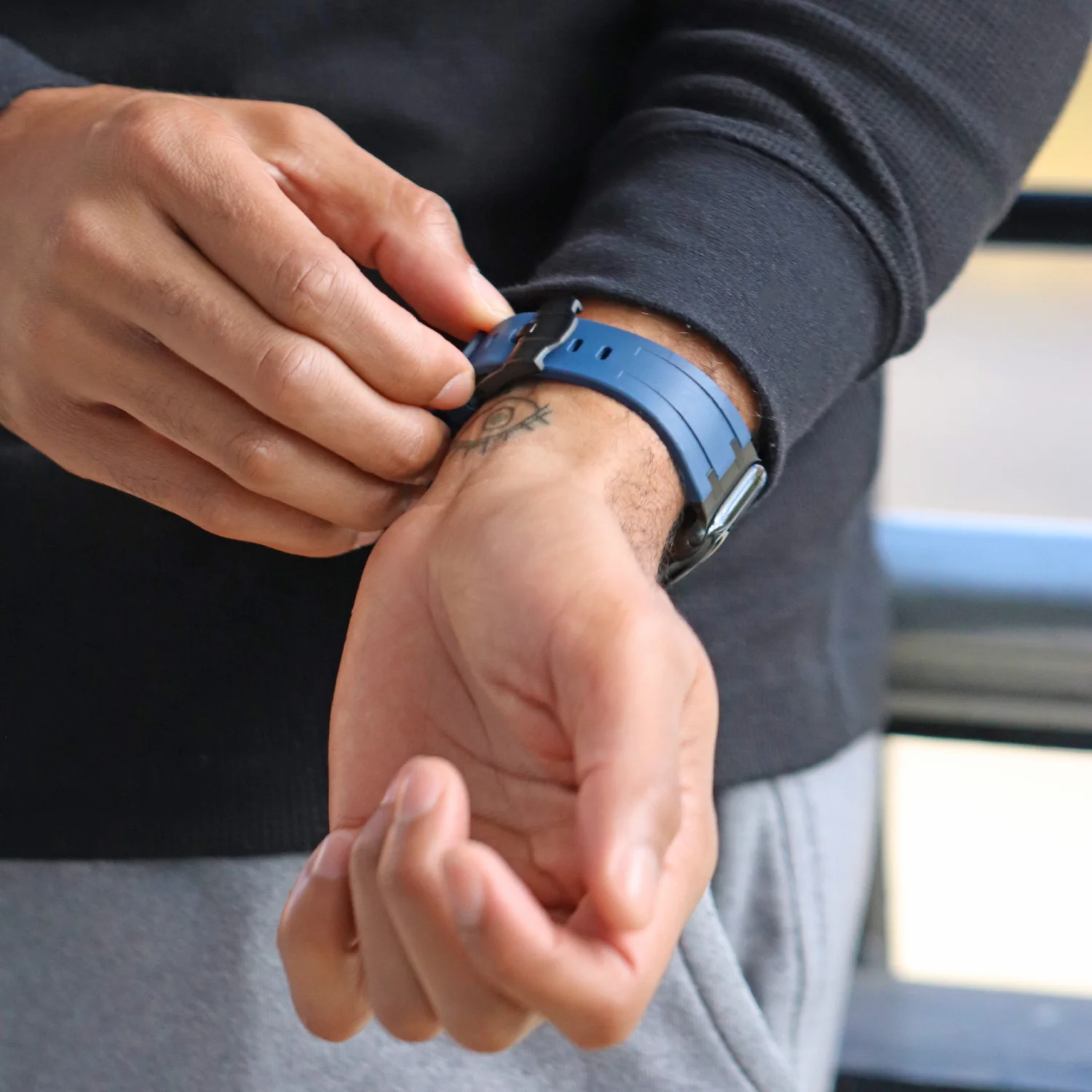
Apple Watch band sizes come in two groups, and a band fits any case in its group. Small bands fit 38mm, 40mm and 41mm cases, plus the newer 42mm case on Series 10. Large bands fit the older 42mm case (Series 1 to 3) and 44mm, 45mm, 46mm and 49mm cases. To find your size, check the case size engraved on the back of your watch, pick the matching group, then choose the band length that suits your wrist.
This guide explains each Apple Watch band size, which models use which case, how to measure your wrist for the length, and the mistakes that lead to a band that doesn’t click in or doesn’t close comfortably.
Apple Watch Band Sizes at a Glance
Apple has changed case sizes several times, but the band slot has only ever come in two widths. That’s why a band labelled for one size often lists two or three others. Our product pages follow the same logic, offering variants such as “40mm/41mm/42mm” and “44mm/45mm/46mm/49mm”.
The table below shows which case sizes share a band. If your case size sits in the left column, any band sold for the small group will fit. If it sits in the right column, choose the large group.
| Band group | Case sizes it fits | Typical models |
|---|---|---|
| Small | 38mm, 40mm, 41mm, 42mm (Series 10) | Series 1 to 3 (38mm), Series 4 to 6 and SE (40mm), Series 7 to 9 (41mm), Series 10 (42mm) |
| Large | 42mm (Series 1 to 3), 44mm, 45mm, 46mm, 49mm | Series 1 to 3 (42mm), Series 4 to 6 and SE (44mm), Series 7 to 9 (45mm), Series 10 (46mm), Ultra (49mm) |
The one trap is 42mm. On the first three generations it was the larger case, so those watches take large bands. On Series 10 it became the smaller case, so it takes small bands. Always confirm the generation before ordering a 42mm band.
How to Find Your Apple Watch Case Size
The case size is the height of the watch case, measured top to bottom. You don’t need a ruler, because Apple records it in two easy places.
- Turn the watch over and read the engraving on the back. It shows the case size, such as 41mm or 45mm.
- Or, on your iPhone, open the Watch app, go to General, then About, and look at the model name.
- Match the number to the table above to find your band group.
- If you have an Ultra, it is always 49mm and takes large bands.
Once you know the group, browse by your exact size to save time. For example, our 41mm Apple Watch bands and 45mm Apple Watch bands collections only show bands that fit those cases.

Band Size vs Band Length: Two Different Measurements
Case size decides whether the band slides into the watch. Band length decides whether it closes comfortably around your wrist. They’re separate, and mixing them up is the most common reason for a return.
Most bands handle length in one of three ways. Buckle and loop bands have holes or an adjustable closure, so one length covers a range of wrists. Some silicone and sport bands come in two lengths, often labelled S/M and M/L. Metal link bracelets are sized by adding or removing links. Check the product page for the exact options on each band.
How to measure your wrist
Wrap a soft tape measure around your wrist just above the wrist bone, where you wear your watch. Keep it snug but not tight. If you don’t have a tape, use a strip of paper, mark where it overlaps, and measure the strip against a ruler.
Compare the measurement with the length range listed on the product page. For a fuller walkthrough of wrist sizing and strap lengths, see our guide on how to find your watch strap size.
Apple Watch Ultra Band Sizes
Every Apple Watch Ultra has a 49mm case, so Ultra owners need large-group bands. Any band sold for 44mm, 45mm or 46mm cases will slide into an Ultra, and the reverse is also true.
That said, the Ultra case is chunkier and squarer than the standard models. A thin band can look slight against it, so many Ultra owners prefer bolder options such as titanium, steel links or a wide sport band. Our 49mm Apple Watch bands collection groups the styles that fit.

The Titanium Bracelet for Apple Watch is a good example: it’s light for a metal band and has the visual weight to suit a 49mm case.
Series 10 Band Sizes: 42mm and 46mm
Series 10 introduced 42mm and 46mm cases. Despite the new numbers, the band slots are the same two widths as before, so older bands still fit.
Here’s how it works in practice:
- A Series 10 42mm watch takes small bands, the same ones made for 38mm, 40mm and 41mm.
- A Series 10 46mm watch takes large bands, the same ones made for 44mm, 45mm and 49mm.
- Bands you already own from a Series 4 to 9 watch will carry over if they’re in the matching group.
If you’ve just upgraded to a 46mm, our 46mm Apple Watch bands collection shows bands confirmed for that case.
Choosing a Band Style for Your Size
Band style affects how a given size looks and feels. A wide metal band reads as larger on the wrist, while a slim leather or mesh band looks more refined. On a small wrist, a small-group watch with a slimmer band tends to look most balanced.
A few pairings that work well:
- Leather link: magnetic closure that adjusts to almost any wrist, smart enough for the office. See the Leather Link Band for Apple Watch.
- Steel mesh: fine and adjustable, with a folding clasp. The Pro Mesh Strap for Apple Watch comes in several finishes.
- Titanium or steel links: sized by removing links, best for a dressier look or larger cases.
- Silicone or rubber sport bands: washable and the easiest choice for training.
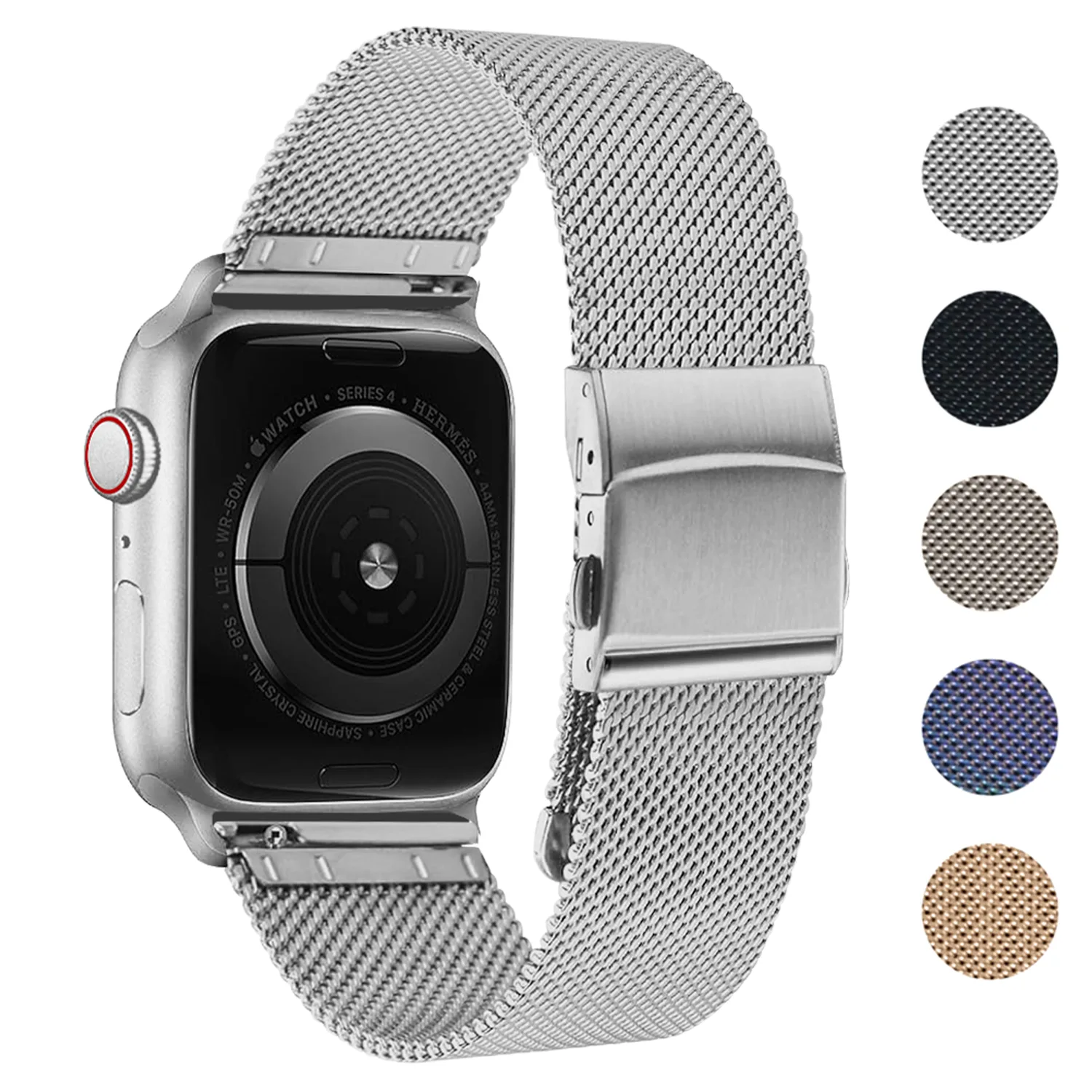
You can browse every style we stock for Apple on our Apple Watch bands page.
Common Apple Watch Band Sizing Mistakes
Most sizing problems come from a handful of avoidable slips. Run through these before you order.
- Assuming 42mm means large. It does on Series 1 to 3 and doesn’t on Series 10.
- Ordering by screen look instead of the engraving. The number on the back is the only reliable reference.
- Ignoring band length. The right case size won’t help if the band is too short to close.
- Forcing a band into the slot. A correct band slides in and clicks. If it resists, it’s likely the wrong group.
- Not checking the variant at checkout. Many bands sell in both groups, so confirm the size option you selected.

If a band doesn’t feel secure after fitting, remove it using the release button on the back of the watch and try again. A properly seated band won’t slide out when you tug it gently.
Apple Watch Band Sizes: Quick Answers
Do 41mm and 45mm bands fit each other’s watches?
No. 41mm bands belong to the small group and 45mm bands to the large group. They use different slot widths, so they aren’t interchangeable.
Will my old bands fit a new Apple Watch?
Usually, yes. As long as the old band and new case are in the same group, the band will fit. A 44mm band, for example, fits a 45mm, 46mm or 49mm watch.


41mm Apple Watch Bands



Summit Strap For Garmin MARQ
$24.99




Rugged Canvas Band For Garmin Venu 3
$21.99 $23.99Price range: $21.99 through $23.99


Charger For Fitbit Inspire 3
$14.99

Vintage Leather Strap For Samsung Galaxy Watch 3
$29.99 $32.99Price range: $29.99 through $32.99


Everyday Bracelet For Fitbit Ionic
$27.99 $31.49Price range: $27.99 through $31.49